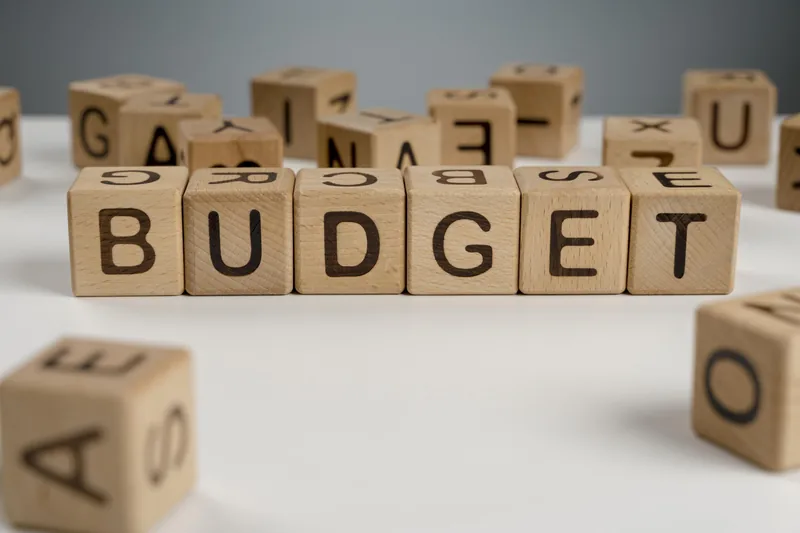
Google Smart Campaigns offer a simplified and effective way for businesses to advertise their products or services. To make the most of this advertising solution, it is essential to understand how to create a campaign budget, utilize Google Ads effectively, and monitor the live status of your campaigns. This guide will provide you with valuable insights on what to study to successfully navigate Google Smart Campaigns.
How do you create a campaign budget on google ads?
Establishing a well-defined budget is crucial to ensure your Google Smart Campaigns align with your financial goals. Here is what you should study:
Budget Planning Understand your advertising objectives, target audience, and desired outcomes. Evaluate your available resources and allocate a budget that aligns with your marketing goals and the potential return on investment (ROI) you expect.
Campaign Budgeting Tools: Explore the budgeting features within Google Ads, such as daily budget settings, bid strategies, and cost-per-click (CPC) options. Study how these tools can help you control spending and optimize your budget allocation for maximum results.
How can you understand to use google ads?
To effectively utilize Google Ads and its features within Smart Campaigns, it is important to study the following:
Account Setup: Familiarize yourself with the process of creating a Google Ads account and linking it to your website. Learn how to define your target audience, set campaign goals, and configure settings to align with your advertising objectives.
Ad Creation: Understand the fundamentals of creating compelling ads, including ad copywriting, selecting impactful visuals, and incorporating relevant keywords. Study ad extensions to enhance the visibility and engagement of your Smart Campaigns.
Keyword Research: Dive into keyword research techniques to identify relevant keywords that match user intent and align with your campaign goals. Study how to conduct keyword analysis and optimize your ad targeting based on search intent.
How can you understand to check if google ads campaign is live?
Monitoring the live status of your Google Smart Campaigns allows you to assess performance and make necessary adjustments. Here is what you should study:
Campaign Dashboard: Learn how to navigate the Google Ads interface and locate the campaign dashboard. Study the various metrics and data points available to evaluate the performance of your campaigns, including impressions, clicks, conversions, and cost-per-conversion.
Campaign Status Indicators: Understand the different campaign status indicators, such as "Enabled," "Paused," or "Limited," and what each status represents. Study how to interpret these indicators to determine if your Smart Campaign is active and running as intended.
Performance Evaluation: Explore the reporting and analytics capabilities of Google Ads to gain insights into campaign performance. Study how to assess key metrics, track conversions, and identify areas for improvement through data-driven analysis.
Conclusion
To effectively navigate Google Smart Campaigns, it is important to study how to create a campaign budget, utilize Google Ads features, and monitor the live status of your campaigns. By understanding budget planning, leveraging Google Ads tools and features effectively, and regularly evaluating campaign performance, you can optimize your Smart Campaigns for success and achieve your advertising objectives.
Gaurav Dubey is a seasoned Digital Marketing Consultant & Trainer with 13+ years of experience, having executed 900+ successful projects and trained 1,850+ students & professionals. He specializes in high-impact lead generation, SEO, Meta Ads (Facebook & Instagram), Google Ads (PPC), and Mobile App Promotion to scale businesses profitably.
Exclusive 1-on-1 Consultation
Ready to Scale Your Business to 100+ Leads Daily?
Get a personalized lead generation audit and multi-channel campaign blueprint from Gaurav Dubey and the King of Digital Marketing team.
Trending 2026 Program
AI-Oriented Digital Marketing Course in Delhi
Master AI Search Optimization, ChatGPT Marketing, Prompt Engineering, Meta & Google Ads Automation with Live Hands-on Projects.